

The workflows table
With filter/search and pagination, the table shows:Actions
- Execute — kick off a pending workflow inline from its row.
- Click a row to open its detail sheet.
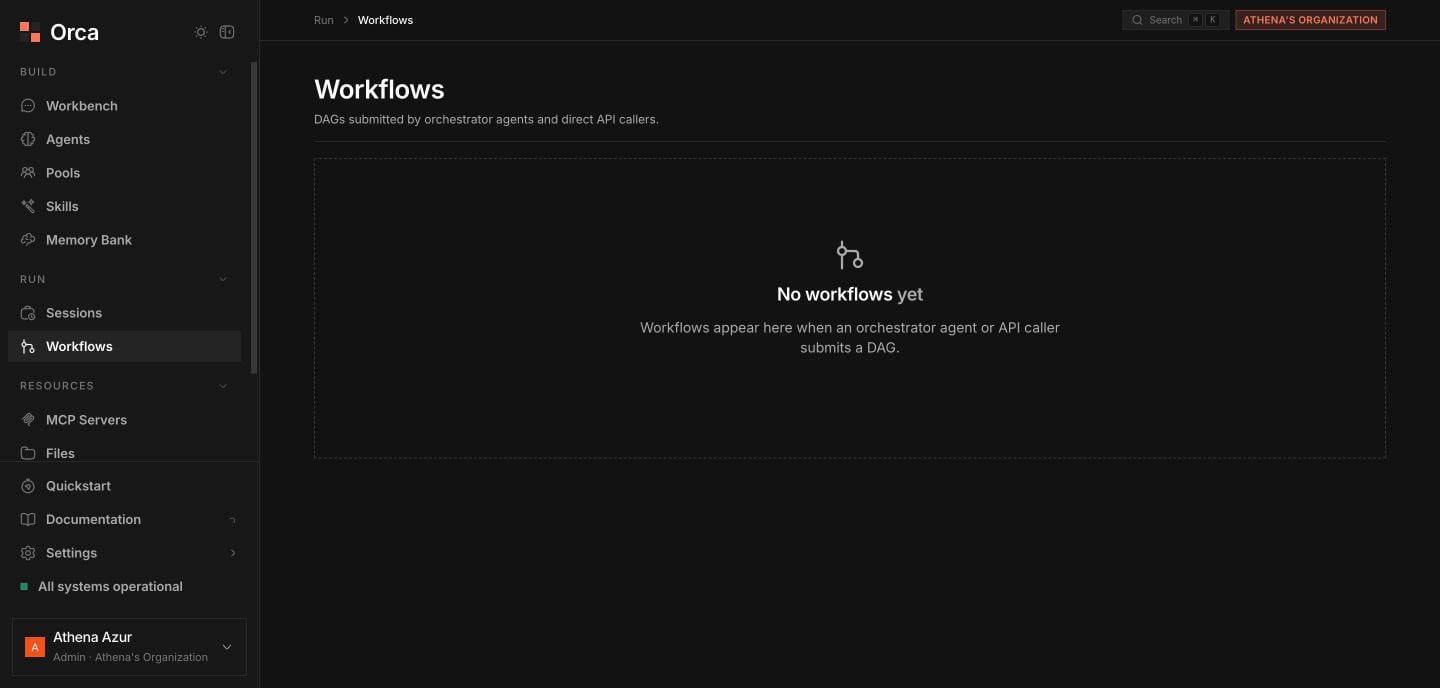
Workflows — DAG runs submitted by orchestrator agents and API callers.
Workflow detail sheet
1
Run or stop the workflow
Use Execute to start it or Cancel workflow to stop it.
2
Switch node views
Toggle between the Graph view (the DAG visually) and the Table view of nodes.
3
Read the nodes table
The nodes table lists each node, its agent, status, attempt, and duration.
4
Drill into a node
Open any node to see its output or error.
Related
Workflows
The DAG workflow model.
Pools
Group the agents a workflow orchestrates.
Sessions
Inspect the sessions nodes run in.