

The sessions table
With filter/search and pagination, the table shows:Actions
- Shut down session — from each row’s menu, with a confirmation prompt.
- Click a row to open its detail sheet.
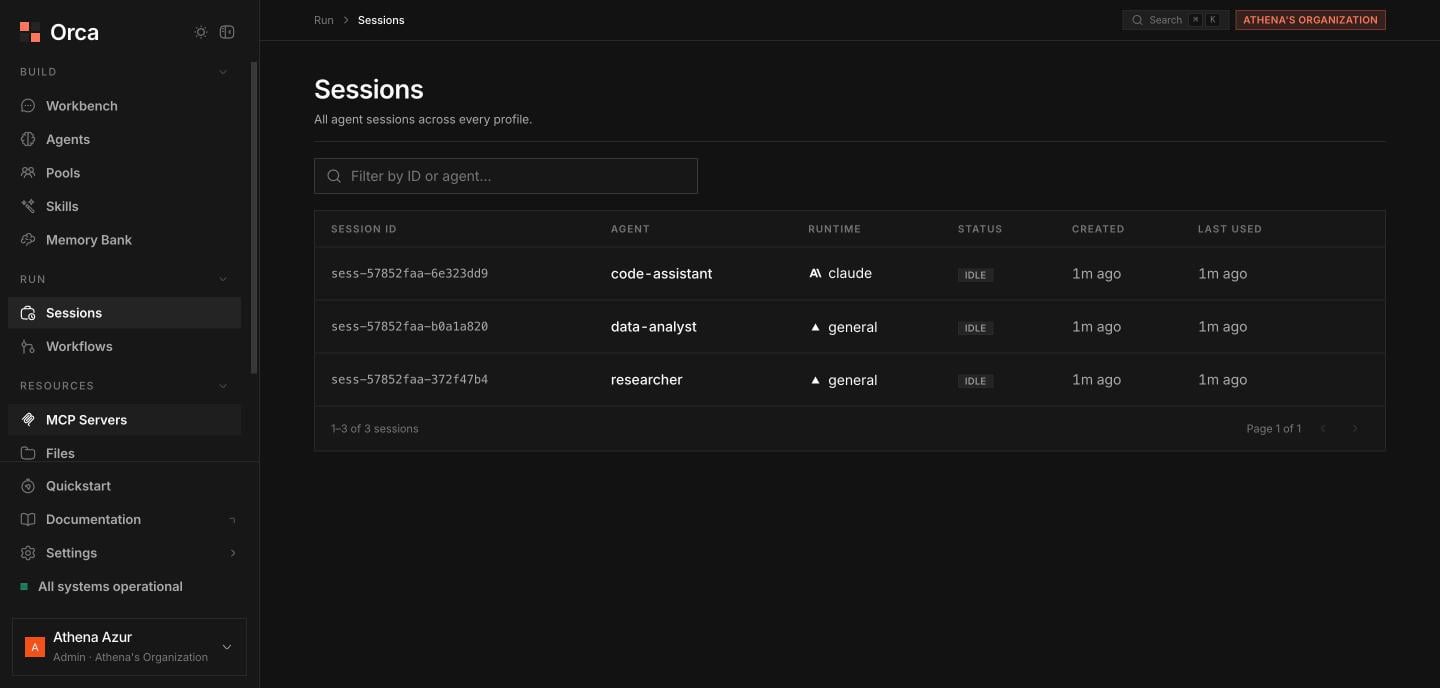
Sessions — every agent session across all profiles, auto-refreshing.
Session detail sheet
The detail sheet centers on the session’s runs:1
Open in Workbench
Jump the whole session into the Workbench to interact with it live.
2
Filter the runs list
Browse the paginated runs list with a status filter: all, running, ok, error, cancelled, or interrupted.
3
Inspect a run
Select a run to switch between two views — Stream (the live event stream) and Timeline (the run timeline). You can also open the individual run in the Workbench.
Related
Sessions
The session model in depth.
Runs
What a run is and its statuses.
Workbench
Continue a session interactively.