

- Single agent
- Pool
Templates that create one agent. Cards are grouped into blank, solo, and real-world categories, each tagged with feature chips showing what the template uses. Clicking a card opens the New-agent dialog, pre-filled from the template.
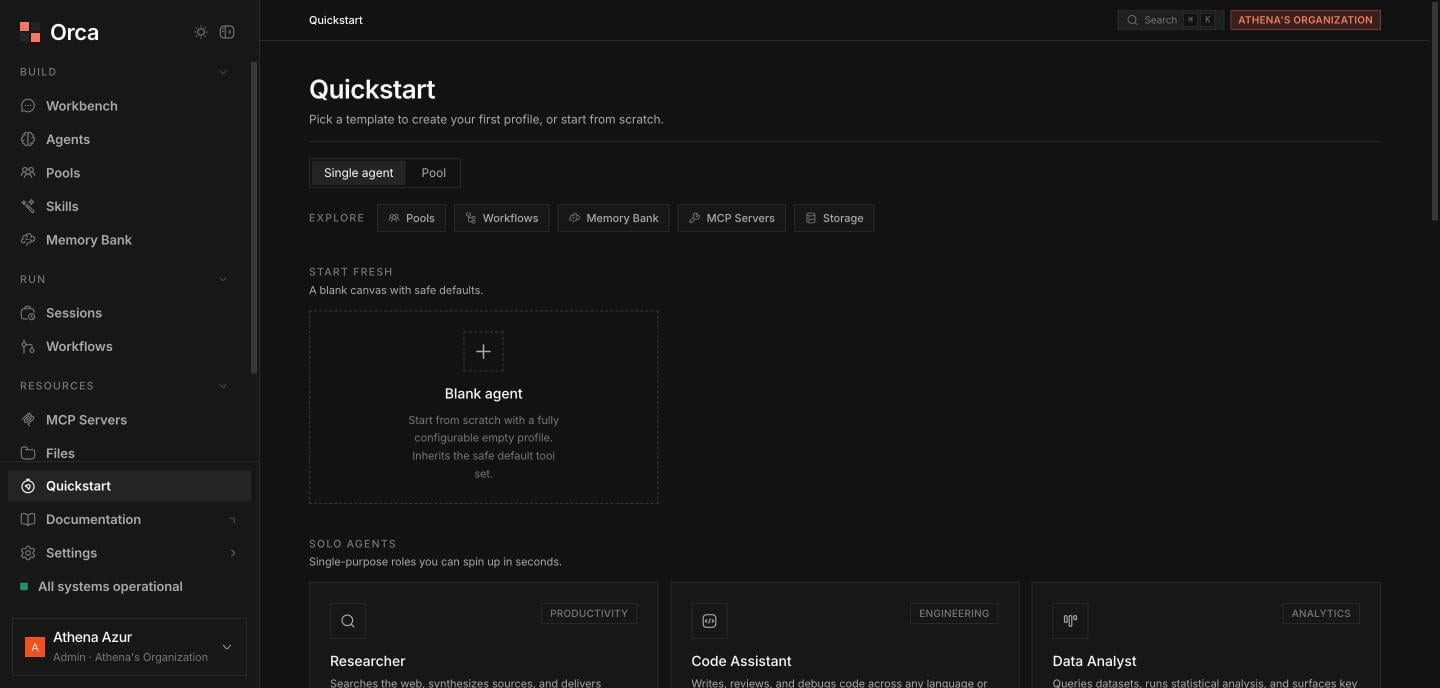
The in-app Quickstart — start from a ready-made template or a blank agent.
Explore strip
An “Explore” feature-pill strip links out to the building blocks a template might use:Pools
Group agents into a shared workspace.
Workflows
Multi-agent DAG orchestration.
Memory Bank
Memories agents write at runtime.
MCP Servers
External tools for your agents.
Storage
Where agents publish artefacts.
Related
Quickstart guide
The full getting-started walkthrough.
Agents
Build and manage agent profiles.
Pools
Group agents into a pool.