

The pools table
The main table lists every pool with filter/search and pagination. Columns:Actions
- New pool — create a pool.
- Delete pool — from each row’s menu.
- Click a row to open its detail sheet.
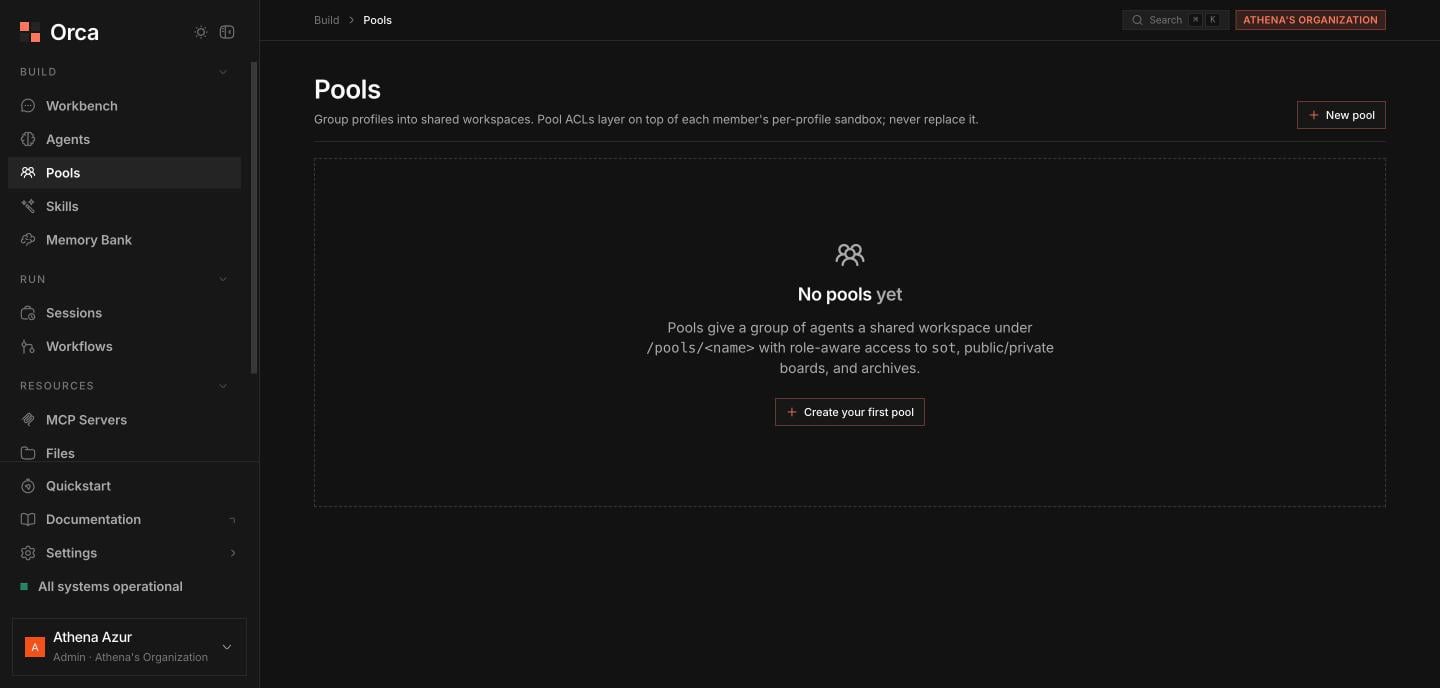
Pools — group profiles into a shared workspace with role-aware access.
Pool detail sheet
The detail sheet has three tabs:- Members
- Workspace
- Tools
The agents in the pool, each assigned a role of lead or member. The lead coordinates work across the pool.
The
@pool capability is what wires an agent’s tools into the pool. Add it to a member agent’s profile so it can read pool info, post messages, and check its inbox.Related
Pools
The pool model and ACLs in depth.
Workflows
Orchestrate pooled agents as a DAG.
Agents
Add the
@pool capability to members.