

save_artifact tool. For the broader model, see Storage. To browse everything agents can read and write as one tree, use Files.
If object storage isn’t wired up (common on self-host), the screen shows a “not configured” state with setup instructions instead of the browser.
Usage card
A usage card shows used space and capacity %, with a stacked breakdown by prefix so you can see which agents or folders dominate the bucket.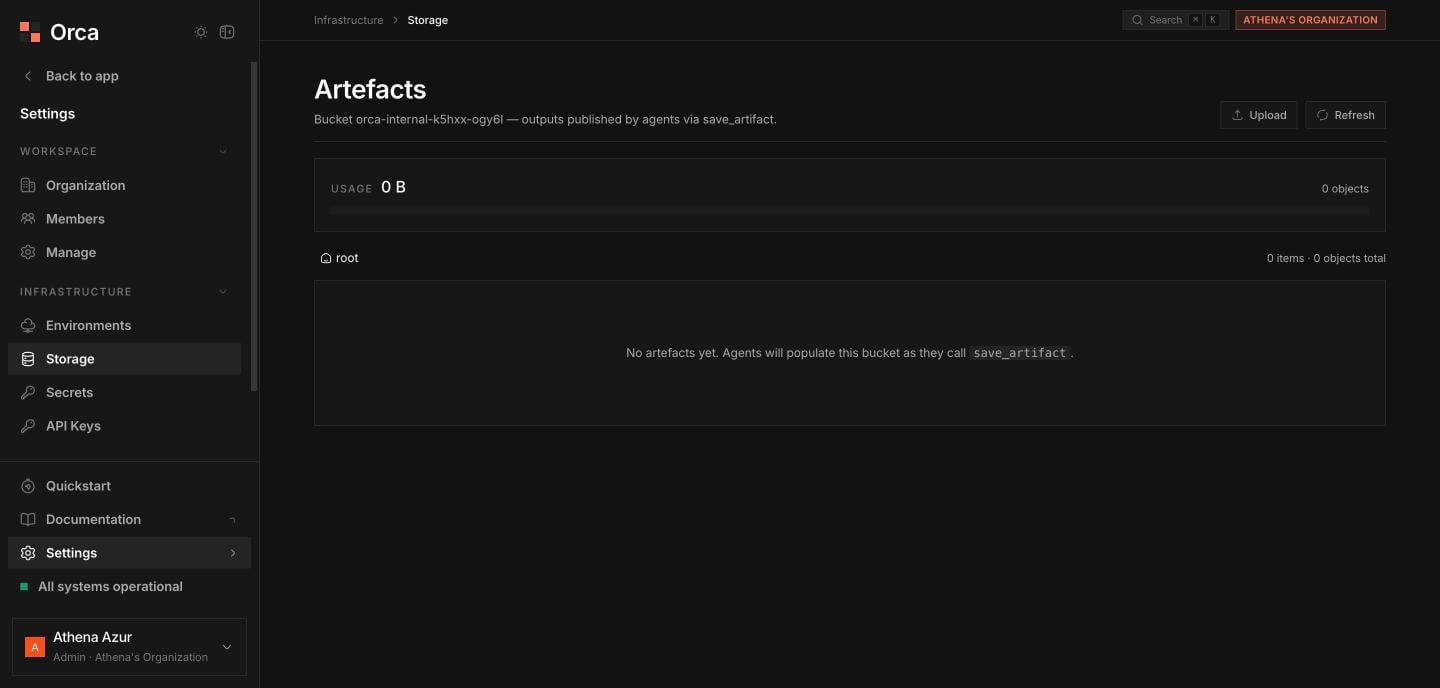
Storage — the artefact bucket agents write to via save_artifact.
Browsing
Move through the bucket with the breadcrumb trail. The sortable table lists name, size, and modified, with folders first. Use Upload to add objects and Refresh to re-read the current folder.Deleting
Delete a file or a folder from its row. Deleting a folder shows a warning about the number of objects it contains before you confirm.Previewing objects
Click an object to open the preview sheet, which renders text, shows images inline, and displays binary content as base64.Related
Storage
Buckets, drivers, and artefacts.
Files
The unified virtual filesystem tree.