> ## Documentation Index
> Fetch the complete documentation index at: https://docs.orcapods.ai/llms.txt
> Use this file to discover all available pages before exploring further.
# Workflows
> Inspect, execute, and cancel multi-agent DAG workflows.
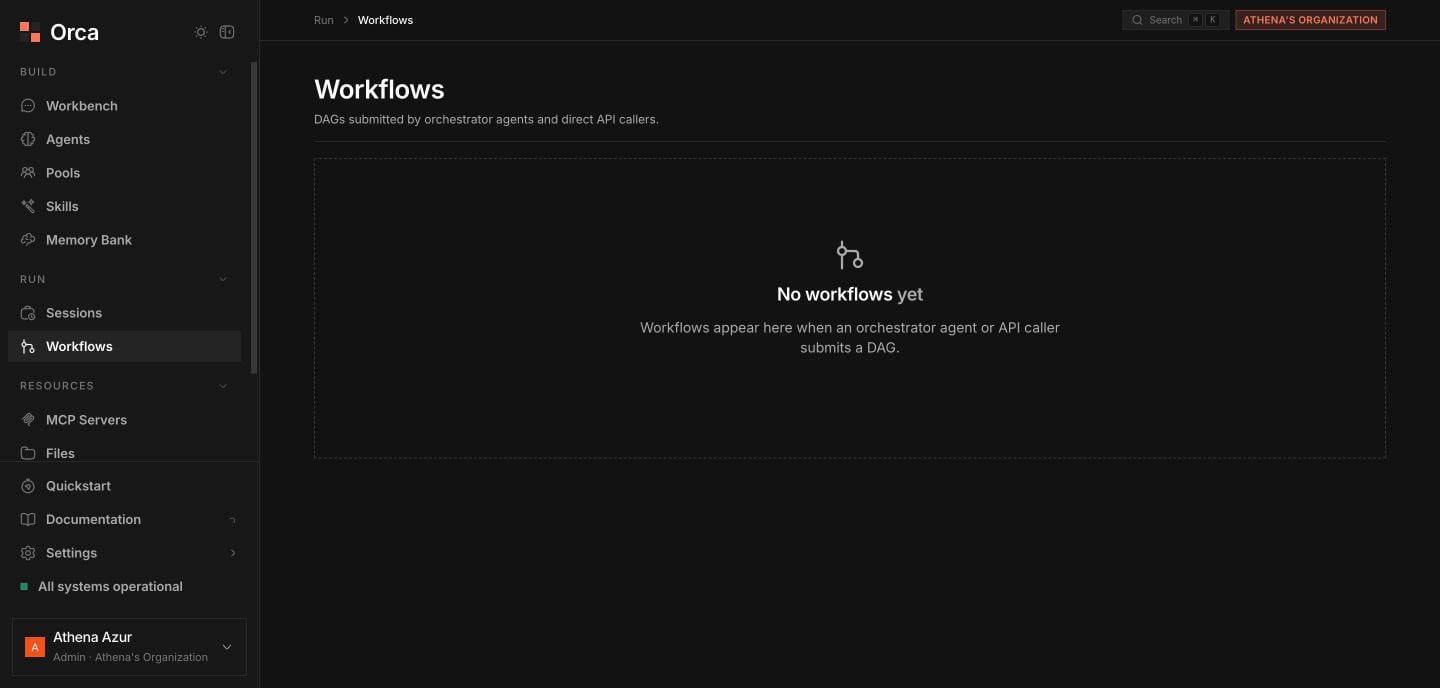
The **Workflows** screen tracks the DAG [workflows](/concepts/workflows) submitted by orchestrator agents or API callers. Each workflow is a directed graph of nodes, where each node runs an agent. The list **auto-refreshes** so in-progress workflows stay current.
## The workflows table
With **filter/search** and pagination, the table shows:
| Column | Description |
| ----------- | ------------------------------------ |
| **ID** | Stable identifier. |
| **Prompt** | The prompt that seeded the workflow. |
| **Status** | Current workflow status. |
| **Nodes** | Node counts across the graph. |
| **Repairs** | Number of repair attempts. |
| **Created** | When it was submitted. |
### Actions
* **Execute** — kick off a **pending** workflow inline from its row.
* Click a row to open its **detail sheet**.
 ## Workflow detail sheet
Use **Execute** to start it or **Cancel workflow** to stop it.
Toggle between the **Graph** view (the DAG visually) and the **Table** view of nodes.
The nodes table lists each **node**, its **agent**, **status**, **attempt**, and **duration**.
Open any node to see its **output** or **error**.
## Related
The DAG workflow model.
Group the agents a workflow orchestrates.
Inspect the sessions nodes run in.
## Workflow detail sheet
Use **Execute** to start it or **Cancel workflow** to stop it.
Toggle between the **Graph** view (the DAG visually) and the **Table** view of nodes.
The nodes table lists each **node**, its **agent**, **status**, **attempt**, and **duration**.
Open any node to see its **output** or **error**.
## Related
The DAG workflow model.
Group the agents a workflow orchestrates.
Inspect the sessions nodes run in.